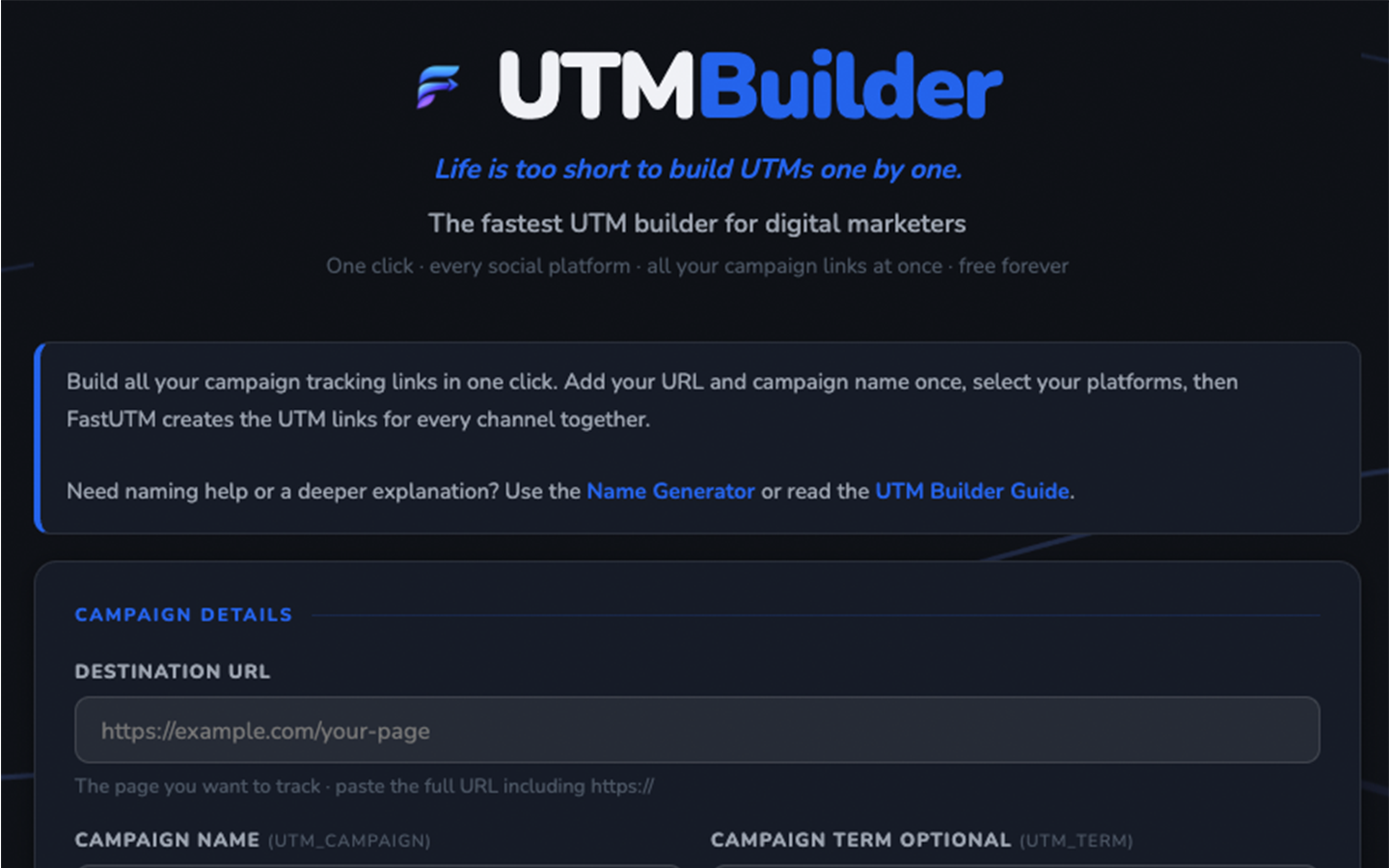
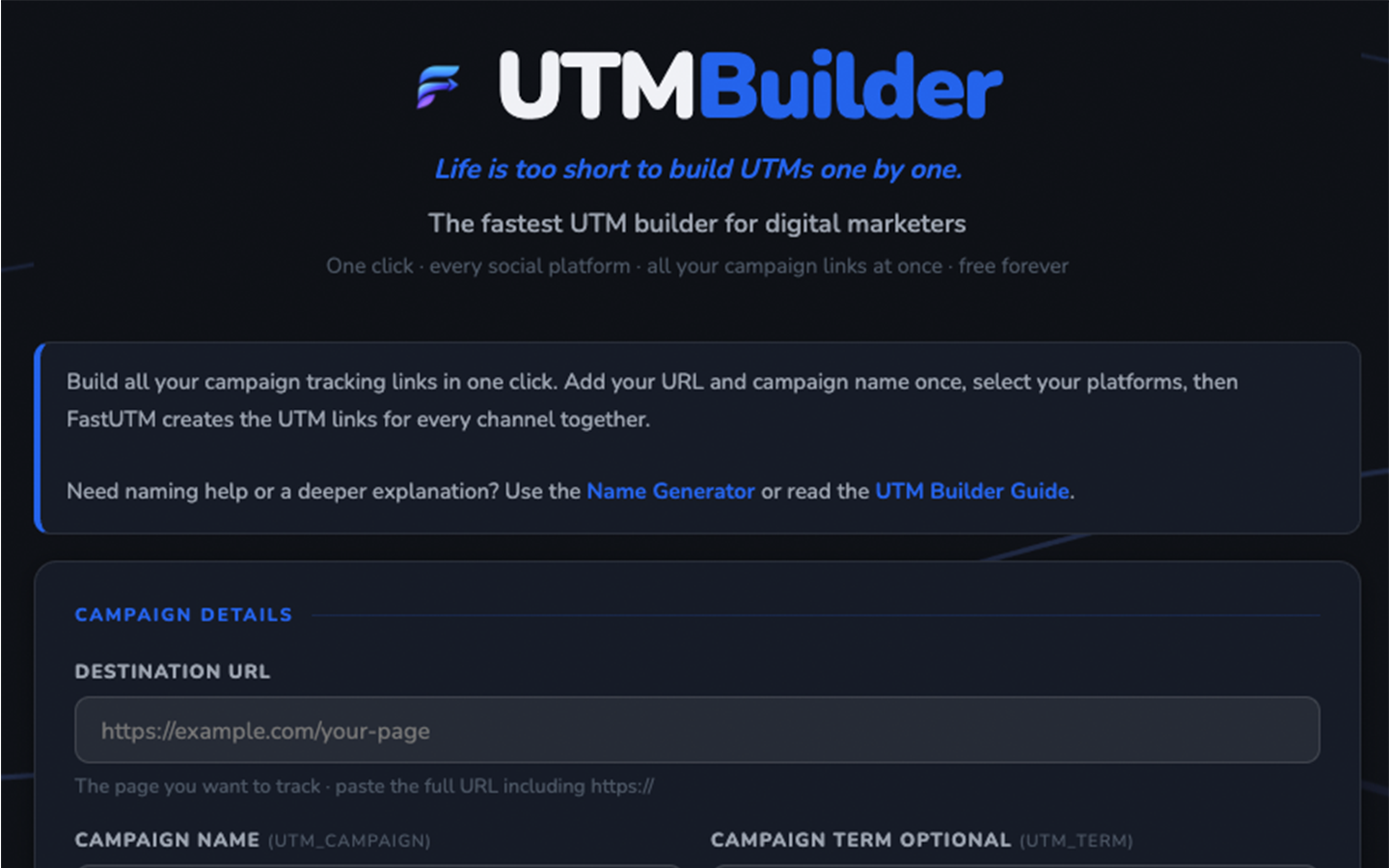
These guides explain each FastUTM tool in plain English. No heavy jargon, no pretending everyone lives inside analytics dashboards.
Start with the guide that matches the job you are trying to do. Each guide gives you a simple explanation, shows what the tool is for, and helps you understand what to check before you publish.
The tools help you get the job done. The guides help you understand what is happening, why it matters, and how to avoid simple tracking mistakes.
1. Pick the task
Choose the guide based on what you need to do, such as building links, checking a page or making QR codes.
2. Read the basics
Each guide keeps the explanation practical so it is useful even if you are not technical.
3. Open the tool
Once it makes sense, open the matching tool and get the work done.
Guide 01
Site Checker Guide
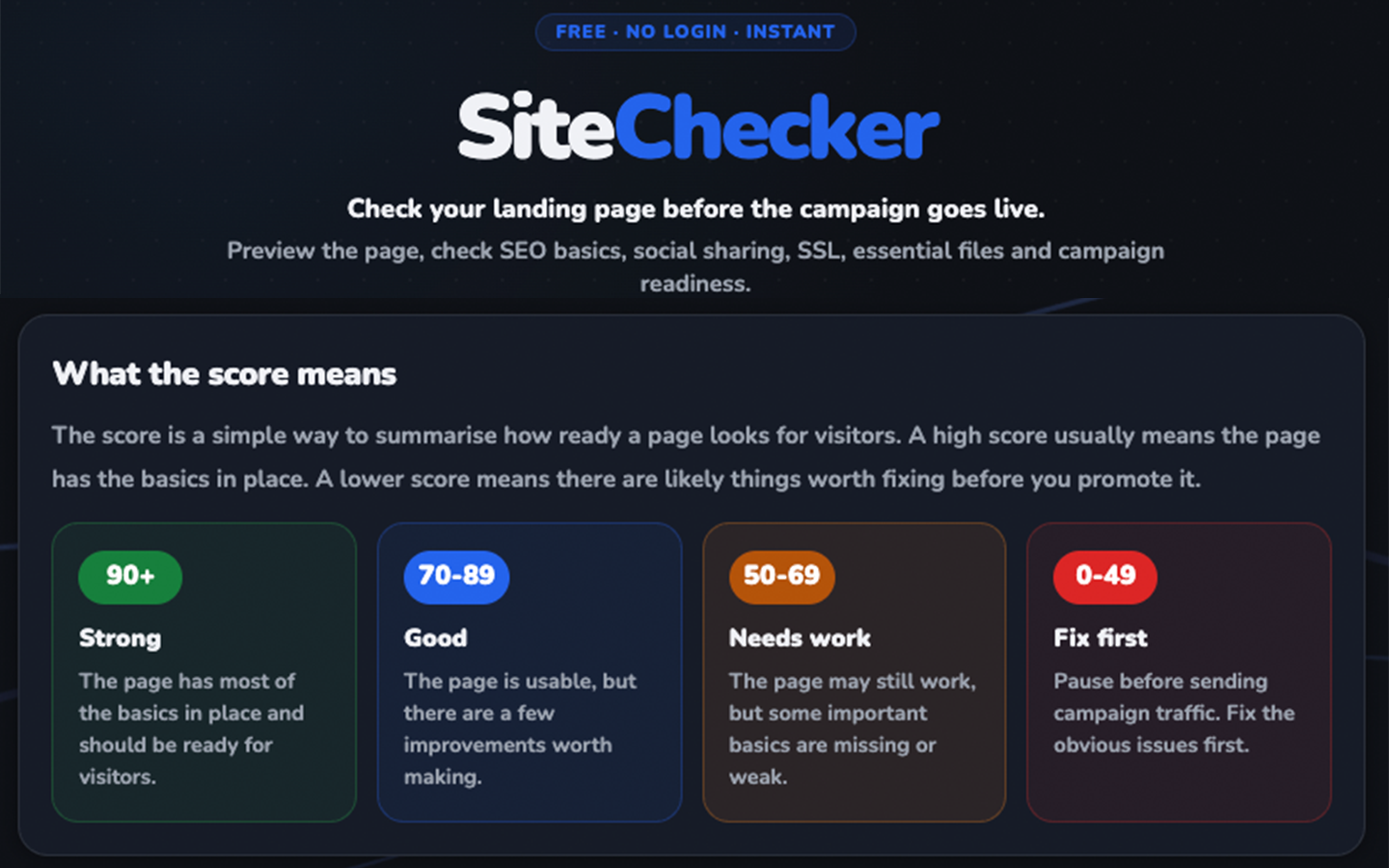
Use this guide when you want to check a page before sending visitors from ads, social posts, emails or QR codes.
Cookies on FastUTM
We use cookies to measure how the tool is used (Google Analytics) and to show relevant ads (Google AdSense).
By clicking Accept you consent to these cookies. See our
Privacy Policy for details.
Cookie Preferences
Choose which cookies you allow FastUTM to use. Essential cookies cannot be disabled as the tool cannot function without them.
EssentialRequired for the tool to work. Stores your theme and background preferences. No personal data sent to third parties.
AnalyticsGoogle Analytics (GA4) helps us understand how FastUTM is used so we can improve it. No personally identifying data is collected.
AdvertisingGoogle AdSense shows relevant ads that help keep FastUTM free. Enabling this allows personalised ads based on your browsing.